
Wedding guides
How to collect your wedding guests’ photos with a QR code
Your guests will take hundreds of photos and videos on the day: the speeches from their table, the dance floor, the moments your photographer never saw. Here’s how to make sure every one of them finds its way back to you.
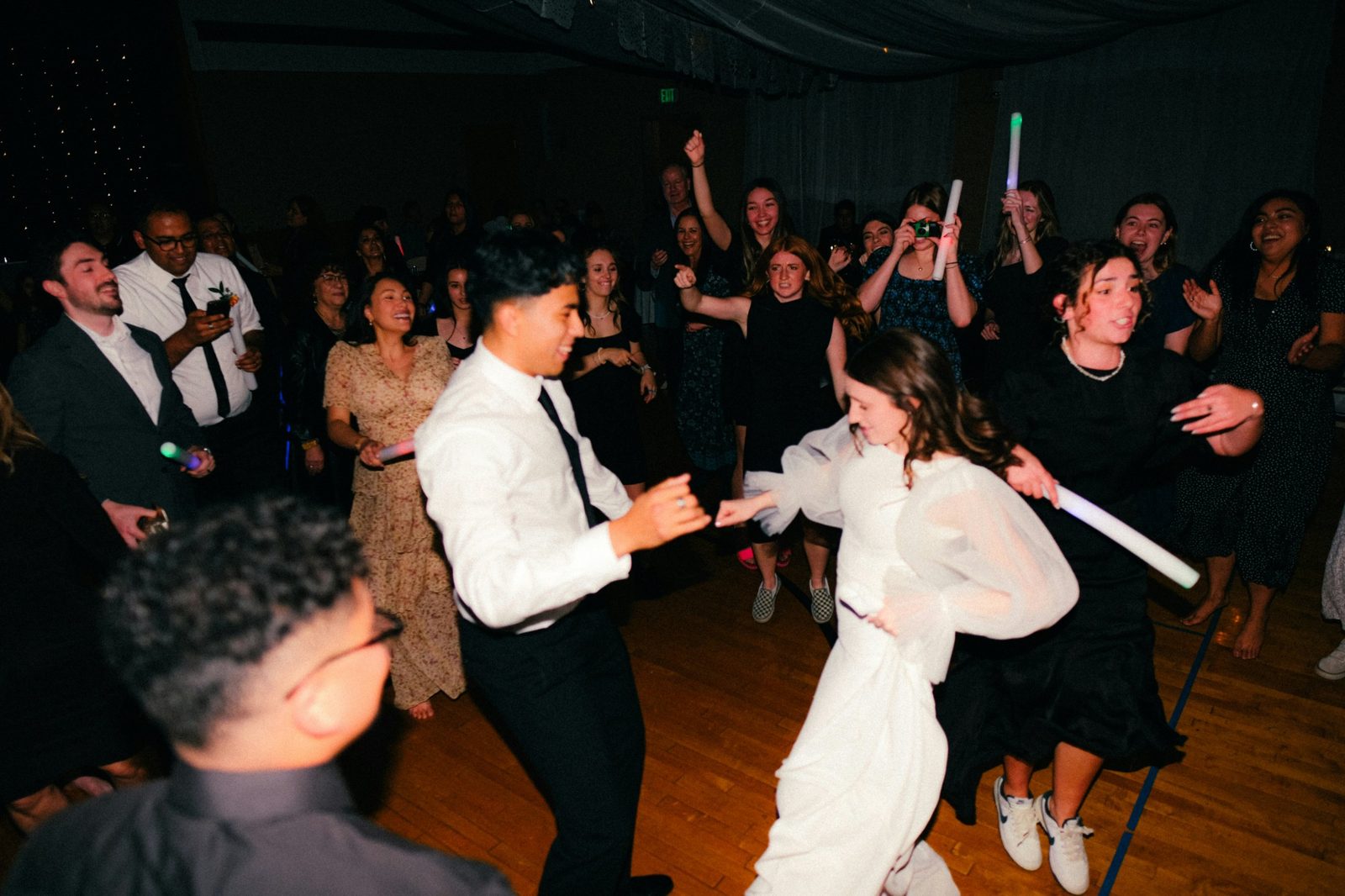
Why a QR code works better than a hashtag
Wedding hashtags only catch the photos people post publicly, and many guests never post at all. Asking everyone to “send them over” after the day rarely works either: photos arrive weeks later, compressed, scattered across messages and emails.
A QR code on each table makes sharing the easiest thing to do. Guests point their phone camera at the card, a page opens, and they add their photos there and then, while they’re still at the table.
Your options
- A shared album (Google Photos or iCloud). Free, but guests usually need a Google account or Apple ID to add to it, and video quality can drop.
- A one-day photo-sharing app. Most charge a one-off fee of around £20 to £50 and are built for the day itself.
- Disposable cameras. Charming, but you pay to develop them, and many shots come out dark or blurred.
- A private memory vault such as Evaré, where guests’ photos, videos and voice messages go into the same place as the rest of your wedding, and stay there for life.
Step by step
- Choose where the photos go. Pick somewhere private that you’ll still have in 10 years, not just a link that expires.
- Make your QR code. It should open a page in the phone’s browser, with nothing for guests to download and no account to create. Every step you add loses guests.
- Put a card on every table. One small card per table is enough, plus a larger welcome sign by the entrance or the bar. Keep the wording short: “Scan to share your photos with us.”
- Mention it once on the day. A line in the best man’s speech or from your host works wonders: “There’s a code on every table. Send Nora and Theo everything you take tonight.”
- Leave it open after the day. Venue signal is often poor, and some guests will want to send their best shots from home. Keep the link open for at least a week.
- Choose what to keep. When the photos arrive, go through them together and keep your favourites.
Don’t forget their voices
Photos show you what the day looked like. A short voice message from your grandparents, your best friend or the friend who made everyone cry with their speech brings it back in a way a picture can’t. If your QR page lets guests record a voice message, mention it on the card: “Scan to share your photos, or leave us a message.”
How it works in Evaré
In your Evaré wedding vault, tap Set up your table cards, then turn on guest photos and messages. You get a QR code ready to print on table cards and a welcome sign. Guests scan it with their phone camera and add photos, videos, voice messages or a few written words, with no app and no account.
Everything they send comes to you first: you tap Keep to add it to your vault, next to your own photos, your letters and everything that comes after the wedding. The guest QR is part of Evaré Signature, and your partner can help review what arrives.
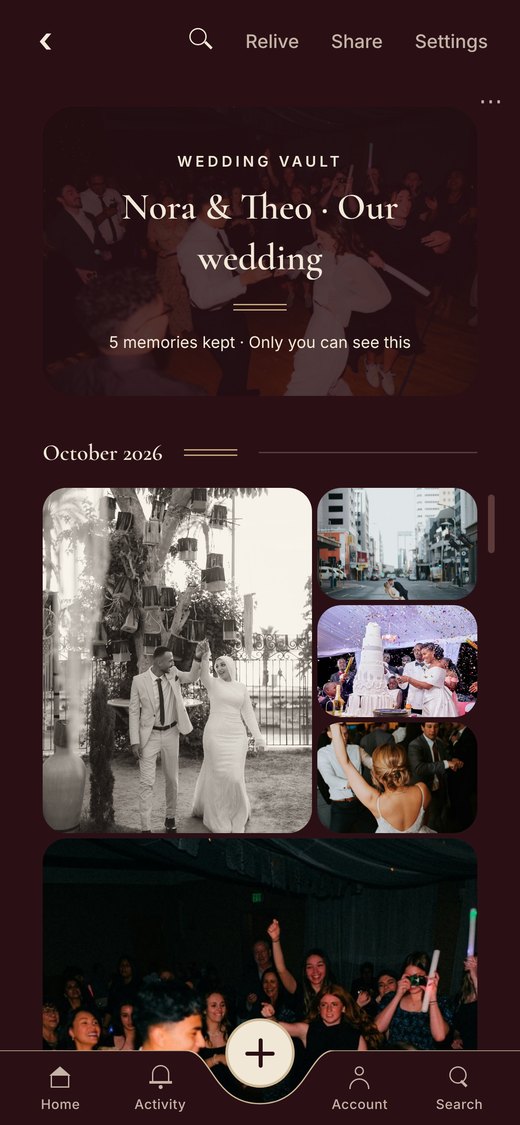
Opening soon. 14 days free when we open, then from £5.99 a month.
More questions? See the questions page or read more about Evaré for weddings.